Planner peace is so elusive.
People want a way to keep their lives in order and record their thoughts and to dos.
But time and time again, they fail.
Don't be one of those people!
Showing posts with label Google Calendar. Show all posts
Monday, November 2, 2015
Monday, March 2, 2015
My Dirty Little Secret: Scheduling in a Planner
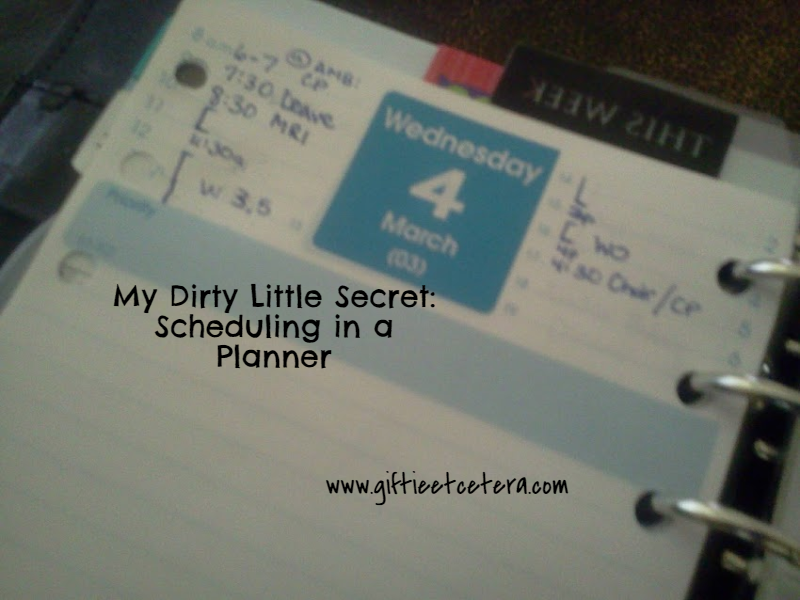
I love paper. For planning my day, there is nothing like putting ink to paper. I adore the scratch of the pen on the rough surface. My mind thinks in lists, so writing tasks that visual, orderly way is intuitive.
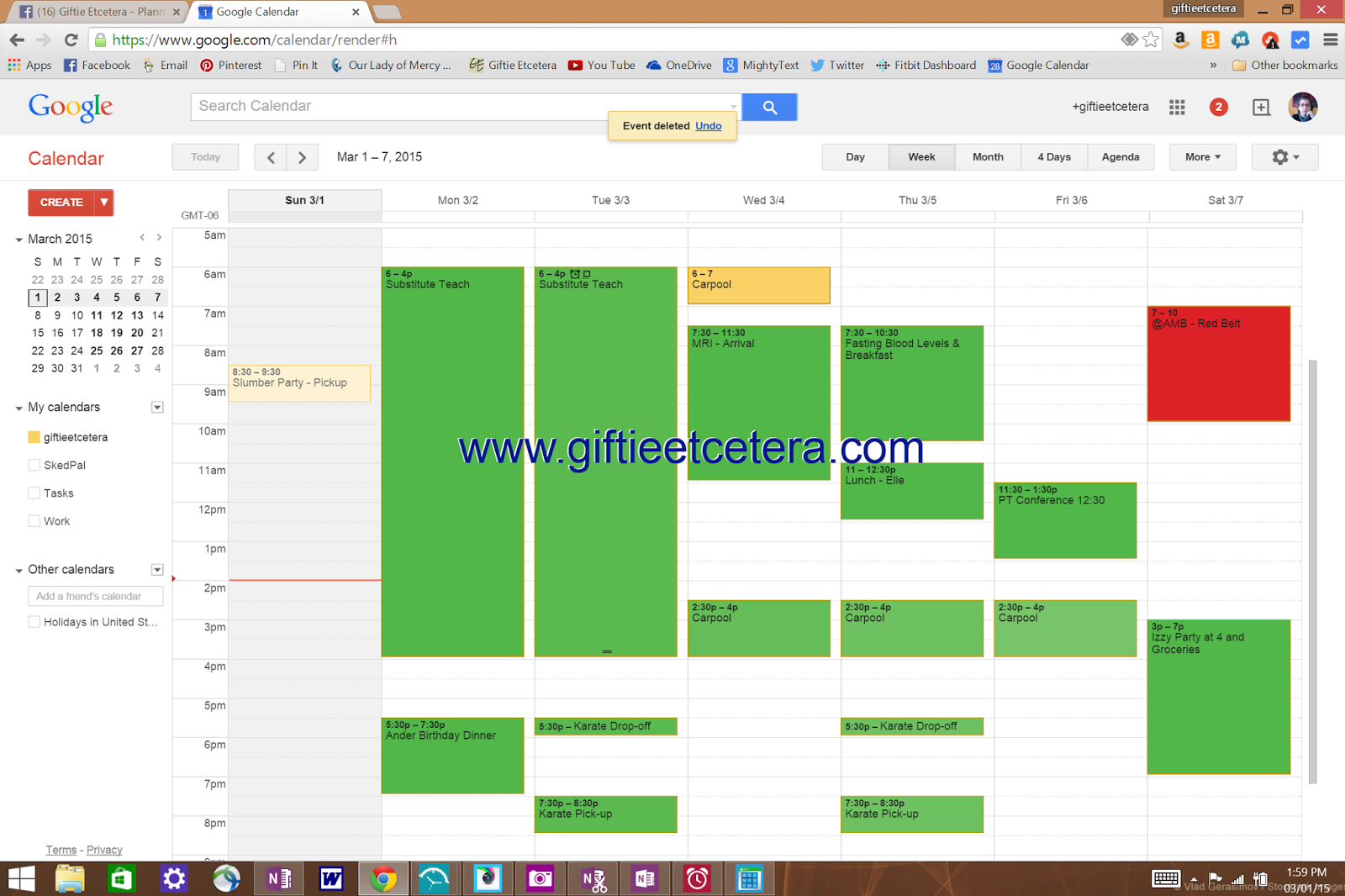
But this week is a little bit more busy than most.
My secret? When my week looks like that, I plug in my times into Google Calendar...
...and then I fill in the blanks with workouts and work hours.
TIP: Color-code the entries appropriately.
I use green for things I must do (appointments/timed tasks), yellow for things I must be at but passively (like staying home waiting for a package to arrive), and red to indicate another family members activity that does not require anything from me, but must be on my calendar.
Blue means work and purple means workouts. Working on a big project gets entered in orange.
Yes, Mrs. Paper Planner uses a technological approach to scheduling.
After all, I do whatever makes the most sense throughout my planning, and this makes sense. Google Calendar gives me a layout and the ability to move things around that my paper cannot match. When scheduling big projects, workouts, and my limited hours of paid work, having the calendar grid really helps me to map my time.
Understand, living out of Google Calendar would never work for me in a long-term way. I still need paper for tasks and for an overview of my month, so I only use Google Calendar as a tool during my weekly planning to make decisions about how I will be spending my time.
In fact, I still write the actual schedule on my Daily Docket, so it is easy to take with me and reschedule on the go.
How do you use technology to supplement your paper planning?
Etcetera.
But this week is a little bit more busy than most.
My secret? When my week looks like that, I plug in my times into Google Calendar...
...and then I fill in the blanks with workouts and work hours.
TIP: Color-code the entries appropriately.
I use green for things I must do (appointments/timed tasks), yellow for things I must be at but passively (like staying home waiting for a package to arrive), and red to indicate another family members activity that does not require anything from me, but must be on my calendar.
Blue means work and purple means workouts. Working on a big project gets entered in orange.
Yes, Mrs. Paper Planner uses a technological approach to scheduling.
After all, I do whatever makes the most sense throughout my planning, and this makes sense. Google Calendar gives me a layout and the ability to move things around that my paper cannot match. When scheduling big projects, workouts, and my limited hours of paid work, having the calendar grid really helps me to map my time.
Understand, living out of Google Calendar would never work for me in a long-term way. I still need paper for tasks and for an overview of my month, so I only use Google Calendar as a tool during my weekly planning to make decisions about how I will be spending my time.
In fact, I still write the actual schedule on my Daily Docket, so it is easy to take with me and reschedule on the go.
How do you use technology to supplement your paper planning?
Etcetera.